Pet photos. Clean backgrounds.
Remove the background. Keep a photo you can use.
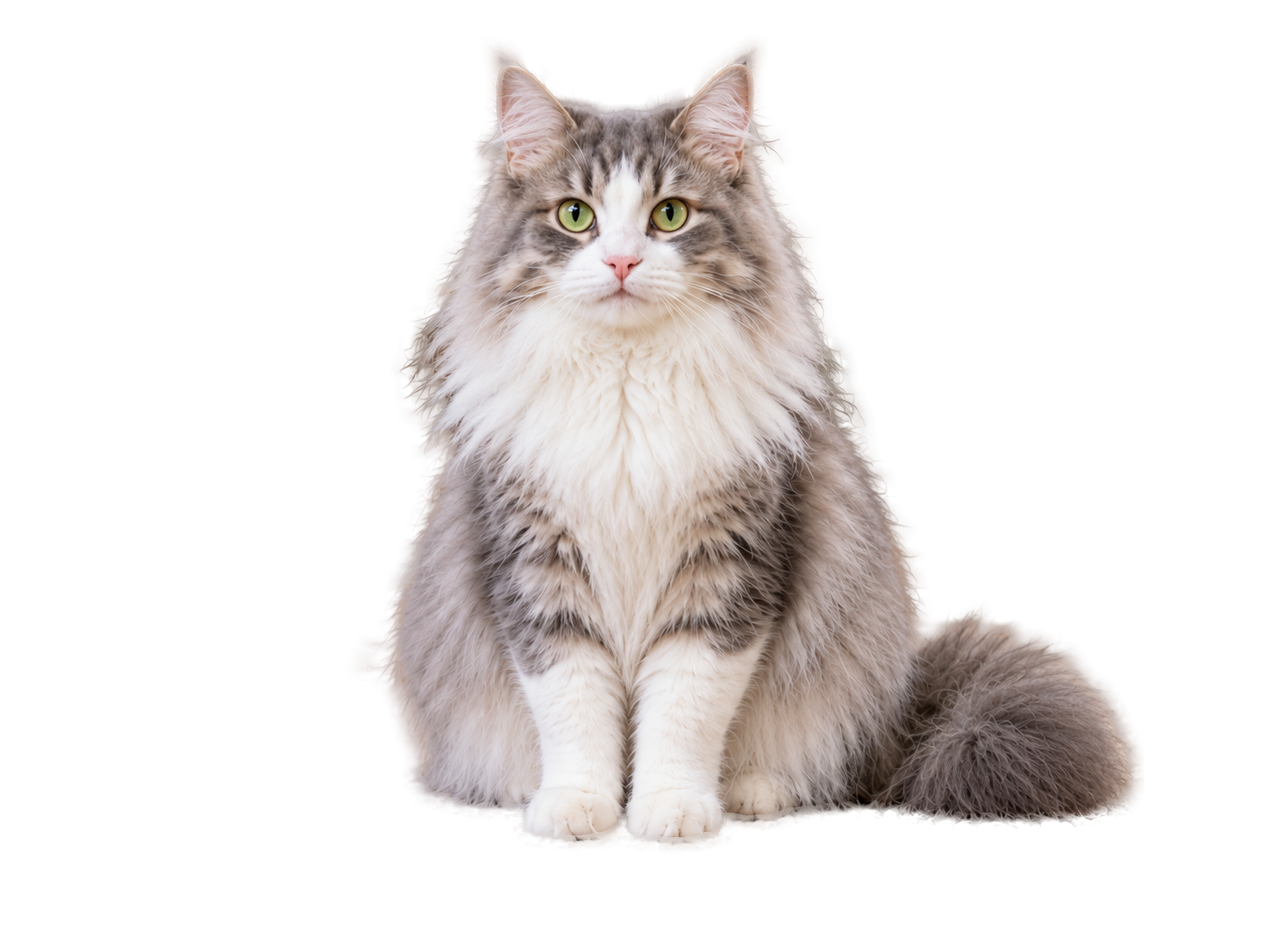
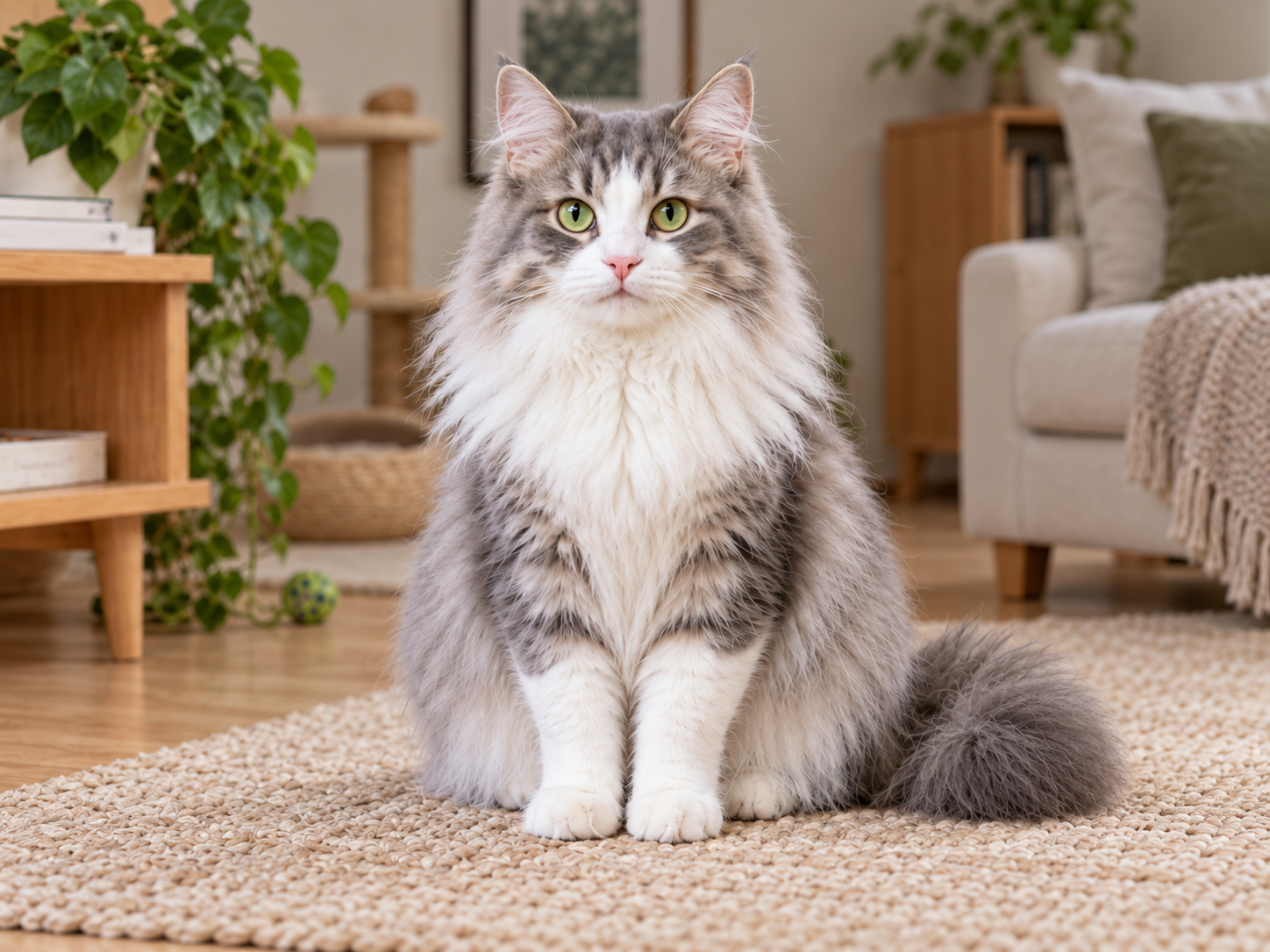
JPG / PNG / WebP · Up to 10 MB
Photos are uploaded for processing, without a permanent gallery.
Take a closer look
The details deserve a closer look.
Move the divider to inspect ears, whiskers and fur.
This result was processed by the actual cutout service. The original sample photo is AI-generated.How do you make a cat photo background transparent?
FanMeowy Pet Background Remover is an online photo tool from the team behind the Cattery Manager app. Upload a cat photo and export a transparent PNG, a solid background or a named profile card. No account is needed within the free allowance; works in mobile and desktop browsers.
Upload a photo
Choose a clear JPG, PNG or static WebP up to 10 MB. The photo is uploaded to a server for background removal.
Check the edges and pick a background
Compare with the original and zoom in on ears and whiskers. Keep transparency or choose white, cream or sage.
Download or make a profile card
Save the PNG, or add a name and short introduction to a card. To keep it in a FanMeowy pet profile, download it and add it manually in the app.
FAQ
A few things before you start.
Do I need an account to download?
No. Process and download within the free allowance, or make a simple profile card here. Long-term record management in FanMeowy uses a separate account.
Does it work with long fur and white cats?
You can try these photos; the service refines fur edges. Backlighting, occlusion and similar background colors may affect the result, so inspect it closely. This tool does not generate or redraw your pet’s body.
Are my photos uploaded or stored?
Photos are processed on a server. The original and result are passed in memory during the request, without a permanent gallery. Your result stays in this browser page; download it before closing. Necessary usage limits and aggregate counters are kept, without photos or pet details in analytics.
Which files can I use?
JPG, PNG and still WebP files up to 10 MB and 24 megapixels. Orientation is normalized and output is limited to 1600 pixels on the longest side. Animated images and HEIC are not supported.
How does the free allowance work?
Each browser can try 2 images per UTC day. A try is counted when processing starts. Network and site-wide capacity limits also apply. Samples and background-color changes do not use your allowance.
What can I do with the image?
Download a transparent PNG, choose a solid background or make a profile card. Only upload images you have the right to process, and avoid misleading representations. Keep the original; results are not guaranteed for every photo.